

Sometimes the best part of a TikTok is what you hear, not what you see: a clever voice-over, a motivational speech, a language tip or a beat you want on repeat. FastTik is a free TikTok to MP3 converter that takes the link of any public video and gives you its sound as an MP3 file you can keep, play offline and move to any device.
There is nothing to install and nothing to sign in to. The whole TikTok MP3 download runs in your browser. Paste the link, wait a few seconds while FastTik reads the video, then tap the MP3 Audio option. The same results also list the video as a watermark-free MP4, so one link covers both formats.
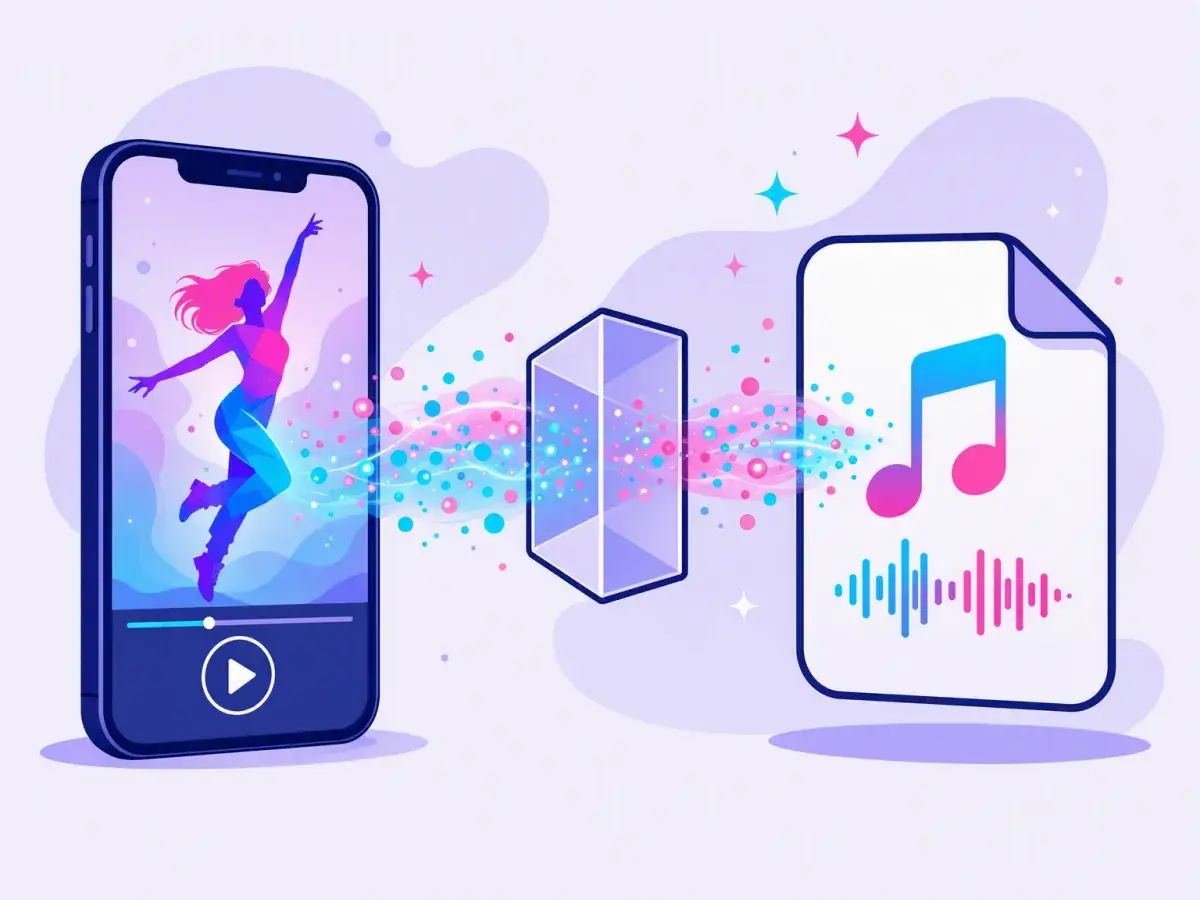
The whole process takes less than a minute, and it works the same way on a phone, a tablet or a computer.
Open the video in the TikTok app, tap Share and choose Copy link. On a computer, copy the address from the browser bar. Any public video works, including clips that reuse someone else's sound.
Share › Copy link
Come back to this page and paste the link into the box at the top. Paste only the link, because extra words copied along with it can stop FastTik from reading the video.
Paste the link
FastTik checks the link and fetches the post in a few seconds. You will see a preview of the video, its caption, the Audio Options and the Video Options.
Download
Under Audio Options, tap Download next to MP3 Audio. The file is saved to your device right away, ready to play, share or edit. To get another sound, clear the box and paste the next link.
MP3 Audio › Download
Every link gives you two clean choices. Neither one carries the TikTok logo, the username stamp or the ending clip that the app adds when you save a video. Pick the one that fits what you want to do next.
| Compare | MP3 Audio | MP4 Video |
|---|---|---|
| What you get | Only the sound: music, voices and effects | The full video with picture and sound |
| Watermark | None, because there is no picture at all | None, just the clean original video |
| File size | Small, about 1 MB per minute | Larger, often several MB for a short clip |
| Best for | Offline listening, ringtones and audio edits | Watching again, sharing and video edits |
| Plays in | Music apps, media players and car stereos | Gallery apps, video players and editors |
Not sure which one you need? Save both. The results show MP3 Audio and every available MP4 quality side by side, so the second format is just one more tap, with no new search.
Music is only the start. Any sound in a public video can become an MP3, and people put those files to work in many different ways.

Keep the pep talks and life advice that stuck with you, and replay them on your morning walk without opening the app.
Language tips, study tricks and cooking steps work just as well as audio. Listen like a podcast with the screen off.
Save the exact remix, slowed version or mashup you heard, including versions that only exist on TikTok.
Short, catchy sounds make great ringtones. On most Android phones you can pick a downloaded MP3 in the sound settings.
Build an offline mix for the gym or the train, so you do not waste mobile data or battery streaming videos.
Drop your original sounds into CapCut, Premiere or any audio editor and reuse them in new projects.
FastTik works in any modern browser, so a TikTok MP3 download is the same on every device. The only thing that changes is the folder where the file ends up.
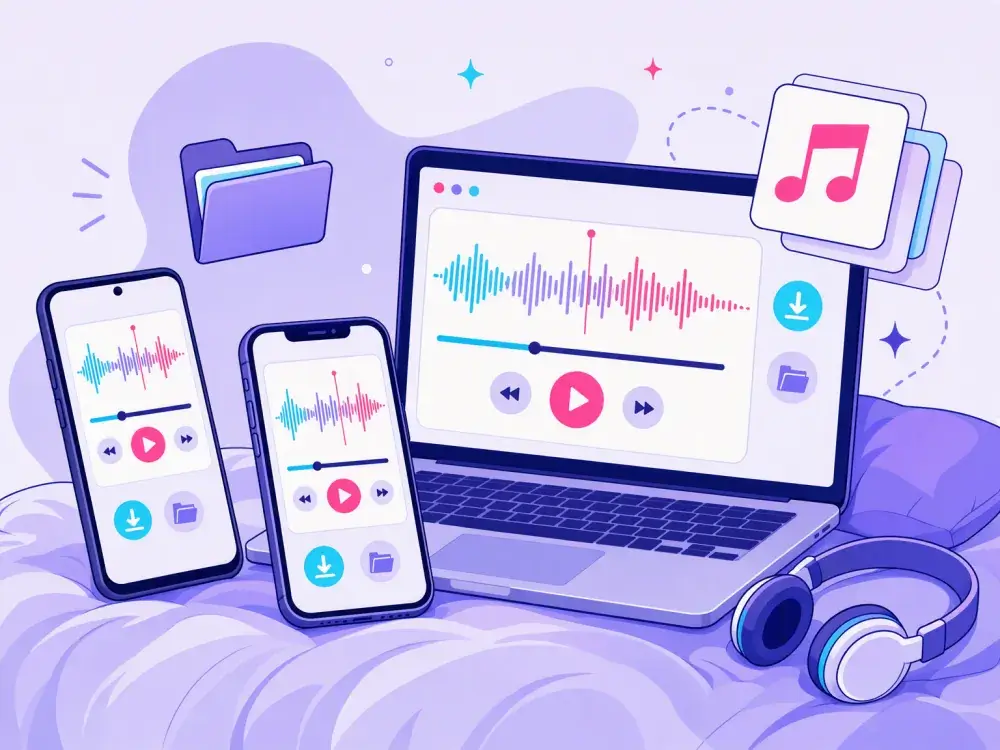
Files › Downloads
Chrome and most other browsers save the MP3 to the Downloads folder. Open it in Files by Google or straight from your music player.
Files › Downloads
In Safari, confirm the download when asked. The MP3 is stored in the Files app under Downloads, where you can play it or share it.
Downloads folder
Chrome, Edge, Firefox and Safari all save the file to your Downloads folder, ready for any media player or editing software.
Browser › Downloads
Open the download list in your browser. It shows your most recent files, and you can open the MP3 from there with one tap.


Paste the link at the top of the page and your MP3 is ready in seconds. Free, clean and without watermark.
Paste a TikTok link here…Convert to MP3