

Heard a song on TikTok that you can't stop replaying? FastTik is a free TikTok audio downloader that pulls the sound out of any public video and saves it as an MP3 file. You paste the video link, FastTik finds the audio track, and you download it with one tap. It works the same for trending songs, original sounds, voice-overs and short music clips.
Because everything happens in your browser, a TikTok audio download online takes only a few seconds. There is no app to install, no account to create and no limit on how many songs you save in a day. Each file is named after the video caption, so it is easy to spot in your music library later.
A TikTok song download takes less than a minute. All you need is the link to a video that uses the sound you like.
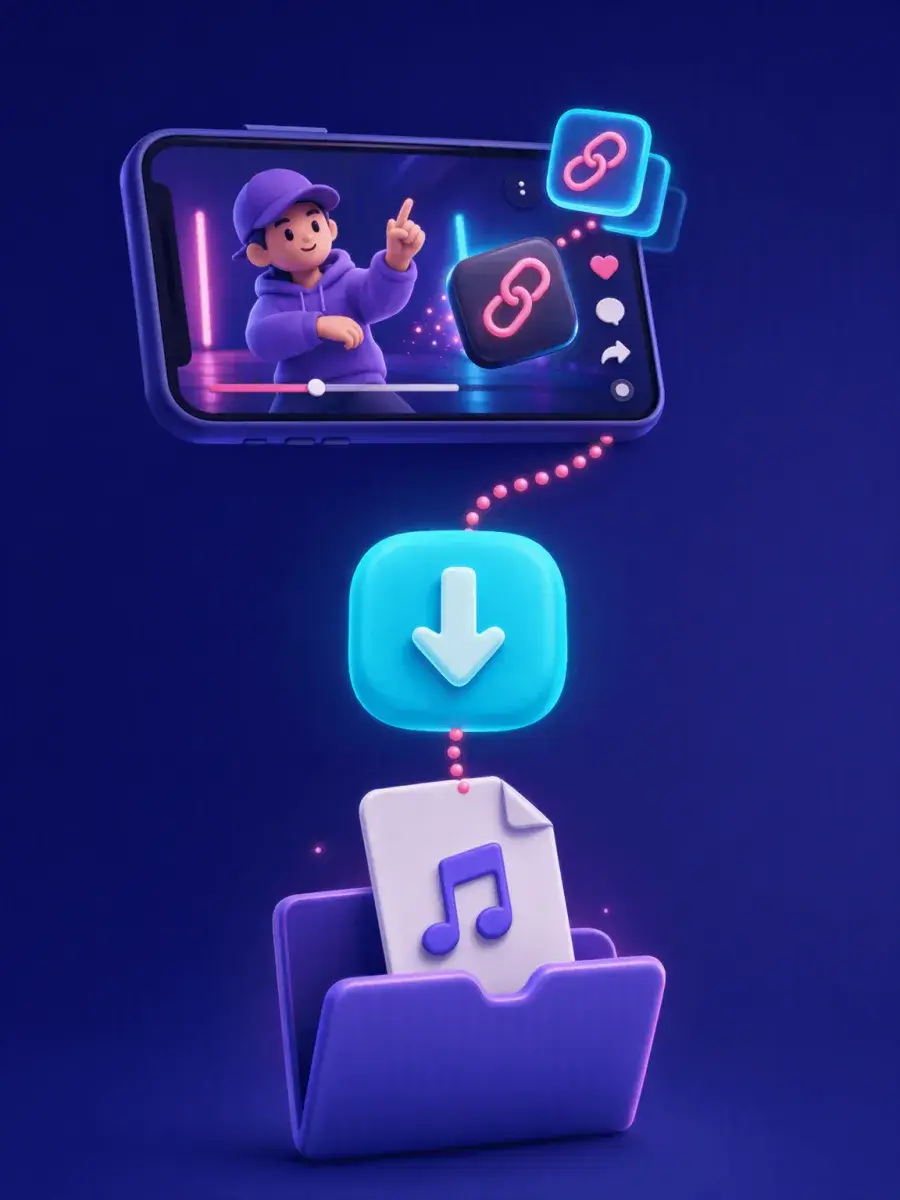
Open TikTok and play a video that uses the song or sound you want. Any public video works, whether it is the creator's original post or one of the many clips that reuse a trending sound. If you cannot remember the video, tap the sound name at the bottom of any clip to open its sound page, then pick one of the videos listed there.
Tap Share on the right side of the video, then tap Copy link. On a computer, you can copy the address straight from the browser bar instead.
Come back to this page, paste the link into the box at the top and tap Download. FastTik reads the video and lists the audio and video files it finds, usually within a few seconds.
In the results, look for Audio Options at the top and tap Download next to MP3 Audio. The song is saved to your device, ready to play offline, add to a playlist or use in your own edits.
Tip: the audio file is as long as the video it comes from. For a longer part of a song, choose a longer video that uses the same sound.
Songs are only part of what makes TikTok fun. Any sound you hear in a public video can be saved as an MP3.
Keep the viral hooks and chart hits from your For You page, even after the trend fades and the video gets harder to find.
Save the jokes, catchphrases and memorable lines that creators recorded themselves, and replay them whenever you need a laugh.
Listen to recipes, language lessons or study tips like a podcast, with the screen off and your phone in your pocket.
Many slowed, sped-up and mashup versions exist only on TikTok. Download the exact one you heard, not the album track.
Creators can save their own sounds or licensed tracks to reuse in CapCut, Premiere or any other editor without hunting for the file.
TikTok has no button for saving just the sound. Its own save option gives you a video with the TikTok logo and the creator's username on top, plus an ending clip. Screen recording is no better, because it also catches notification sounds and lowers the quality. FastTik takes a cleaner route.
Because FastTik fetches the audio file that TikTok itself streams for the post, nothing is re-recorded or squeezed through a second round of compression. What you download sounds the same as what you hear in the app, from the first beat to the last.
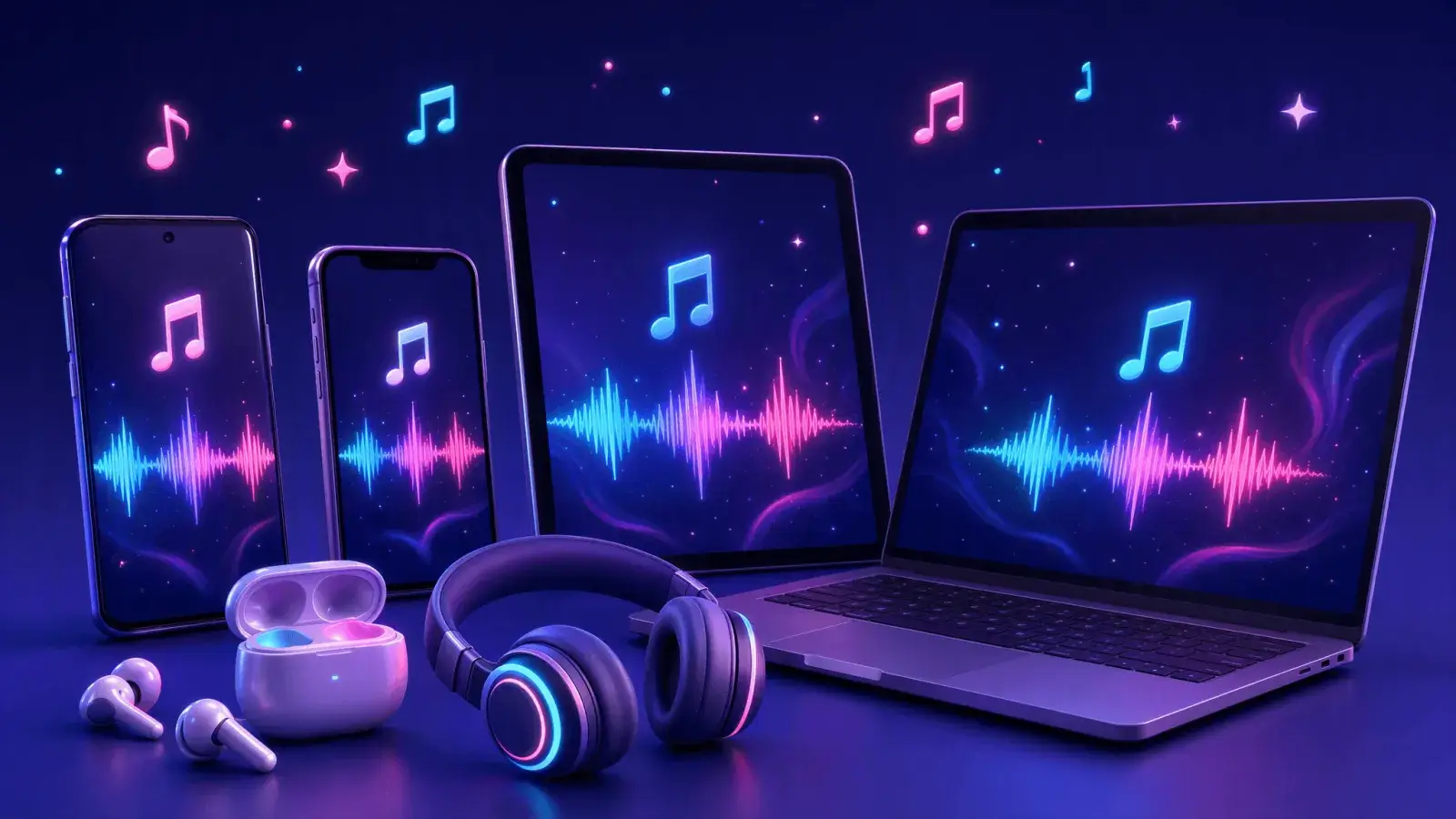
FastTik runs in any modern browser, so a TikTok music download works the same way on your phone, tablet and computer. The only difference is where the finished file ends up.
Use Chrome or any other browser. The MP3 goes to your Downloads folder, where Files by Google or your music player can open it.
Open this page in Safari and tap Download when asked. The song is saved in the Files app under Downloads, where you can play it or share it to another app.
Paste the link in Chrome, Edge, Firefox or Safari. The file lands in your Downloads folder, ready for your media player or an editing project.
FastTik saves the sound exactly as it is used in the video. If a creator used a 15-second part of a song, the MP3 is 15 seconds long too.
When a creator talks or sings over the music, that voice is part of the sound, so it stays in the downloaded file.
Building a playlist? After each download, clear the box, paste the next link and repeat. There is no queue and no daily limit, so collecting a dozen TikTok sounds takes only a few minutes.
Songs on TikTok are often protected by copyright. Download them for personal listening, and ask for permission before you publish or share someone else's music.
Quick answers about saving TikTok music, audio and sounds as MP3 files.
Copy the link to a video that uses the song, paste it into the box at the top of this page and tap Download. In the results, tap Download next to MP3 Audio. The song is saved to your device as an audio file.
Yes. FastTik is completely free. You do not need to sign up, log in or install anything, and there is no daily limit on how many songs or sounds you can download.
No. FastTik never asks for your TikTok login. You only need the link to a public video, and you can copy that link even without an account by opening the video in a web browser.
Yes. FastTik saves only the sound, so you never get the TikTok logo, the username overlay or the ending clip that TikTok adds when you save a video in the app.
Most TikTok videos use only part of a song. FastTik saves the sound attached to the video you paste, so the MP3 is as long as that clip. To get a longer part, look for a longer video that uses the same sound.
FastTik offers the sound as an MP3 Audio option named after the video caption. It plays in the music or Files app on your phone, in media players such as VLC, and in video editors like CapCut.
The file is named after the caption of the video you downloaded it from, not after the song itself. If you want a tidy music library, rename the file after downloading, for example to the artist and song title shown on the TikTok sound page.
Yes. Open FastTik in Safari, paste the link and download the MP3 Audio option. The file is saved to Downloads in the Files app, where you can play it or share it to another app.
Make sure you copied the full link of a single public video and that the video is still online. Extra text around the link, deleted or private videos and an unstable connection can all cause errors. Clear the box, paste the link again and retry after a moment.
That depends on the song's license, not on how you downloaded it. Original sounds you recorded yourself are yours to reuse. For music by other artists, keep it for personal listening, or check the license and ask the rights holder before you publish anything.
Copy the TikTok link, paste it at the top of this page and download the MP3 in seconds. It is free, and it works on every device you own.
Download TikTok Audio