Travel Plans
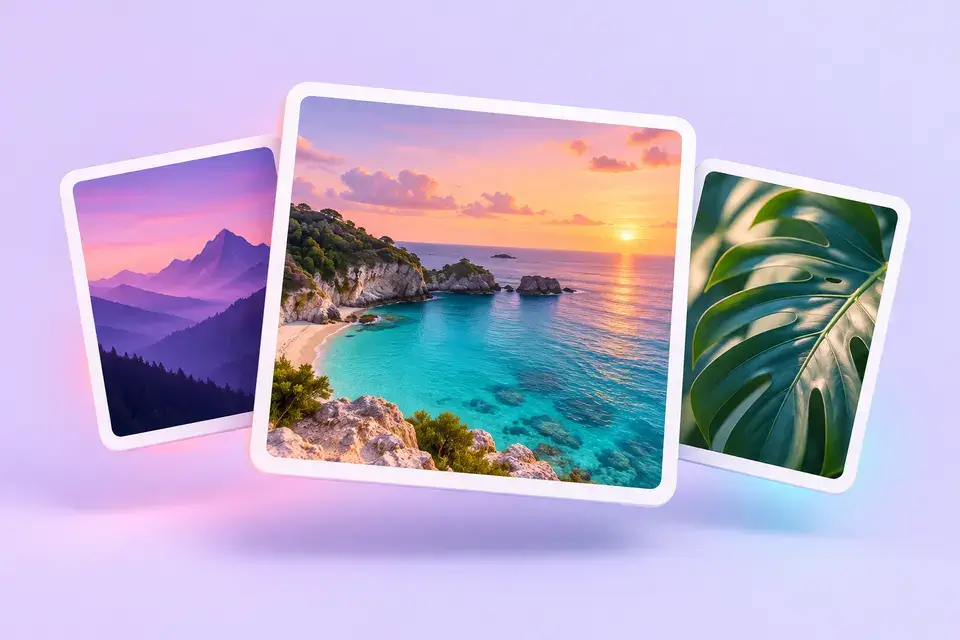
Keep a beach view or itinerary slide handy when comparing destinations. Save useful photos before your trip so you can revisit them without reopening the feed.

Fast TikTok photo downloads without a watermark

Save available images without an added watermark.
Preview the carousel and download individual photos.
Paste a link in your phone or desktop browser.
Keep the recipe, travel idea, or photo you want to look at again. With FastTik, you can paste a public TikTok photo post link, view the available pictures, and save the ones you need. No screenshots to crop and no account to create.
Your downloaded photos stay separate, so you can organize them in your own folders and revisit them offline. We retrieve the image files available for the post; clarity depends on the uploaded source. Text or logos already embedded by the creator remain part of the picture.
Start with the photo post itself. A profile link does not identify the exact carousel you want to save.
Download TikTok PhotosOpen your chosen TikTok photo slideshow, tap Share, and choose Copy link. Check that the post is public and still available.
Return to this page, paste the copied address into the download box, and press Download. Wait for the available media to appear.
Preview the images and use the Download button under each photo you want. Repeat for other slides, then check your browser’s Downloads folder.
On iPhone, downloaded files may appear in Files first. Open the image and use the share menu to save it to Photos.
Your saved images can become a useful personal reference collection. Keep the post link alongside them so you can find the creator again.
Keep a beach view or itinerary slide handy when comparing destinations. Save useful photos before your trip so you can revisit them without reopening the feed.
Save the ingredient list and the steps you need from a carousel. Separate pictures let you zoom in and move through the instructions at your own pace.
Recover available images from your public posts for a personal collection. Keep your original uploads too: downloading a published photo cannot restore detail lost during upload.
This is for accessible public photo posts, not private accounts or deleted content. Download your own photos or images you have permission to save; ask the creator before republishing their work.
Choose the approach that fits what you want to keep. A downloaded photo is useful when you want the available image file without the surrounding app interface.
| What You Need | Photo Download | Screenshot |
|---|---|---|
| Framing | Available photo file | What fits on your screen |
| Quality | Depends on the source image | Depends on your screen capture |
| Individual slides | Download each available photo | Capture each slide yourself |
| A video with sound | No slideshow conversion | Still image only |
TikTok also offers in-app photo saving when the creator allows downloads. Check its help guide if you prefer that option. TikTok’s Photo Download Guide
Imagine you are planning a weekend by the coast. One evening, you spot a photo carousel with a quiet beach, a small café, and a walking route. You want to return to those ideas later, but your screenshots include buttons and captions, and the useful details are hard to read.
With the post link copied, you open FastTik and look through the available pictures. You save the beach view and the route individually, then put them in your trip folder beside a note with the creator’s name and original link. You leave the other slides behind because you only need those two.
The next morning, your ideas are together and easy to find. You can compare them with your plans instead of searching through another evening of scrolling. That is the small convenience we aim for: helping you keep the pictures that matter to you, in a form you can actually use.

This page saves available photo files; it does not turn slides into a video with sound. To make one, save the photos you have permission to use, arrange them in a video editor, and add audio you are allowed to use.
You can save available photos without an added watermark. HD depends on the source: a low-resolution upload will not become sharper. Creator-added text, logos, and marks embedded in the image are not removed.
Paste the carousel link into the box above, press Download, and wait for the results. Find the picture you want and use its own Download button. You do not need to save every slide.
Yes. Use this page in your browser on a phone, tablet, or computer. You do not need an extension, app installation, or account. Allow your browser to save the requested file if it asks.
No. Private posts are not supported. Use an accessible public post link. If a public post fails, check that it has not been deleted and copy its link again before retrying.
Copy its TikTok link and save the slides you want.